


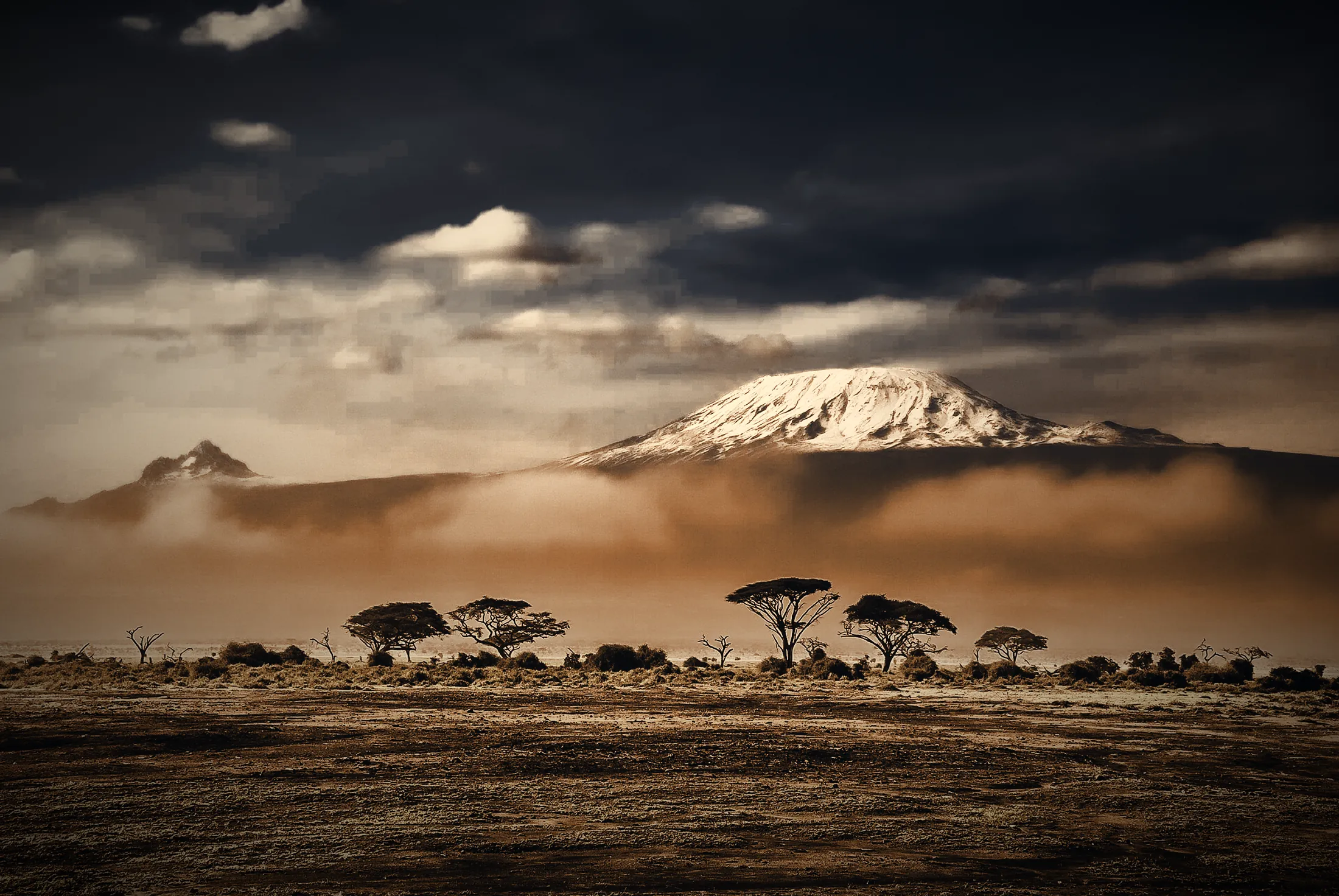

The encyclopedia of Africa, told from Africa. 55 countries, 8,717 articles, and it works with no internet at all.
Get Afreeka free →All 55 countries of Africa, in one program, on your own computer
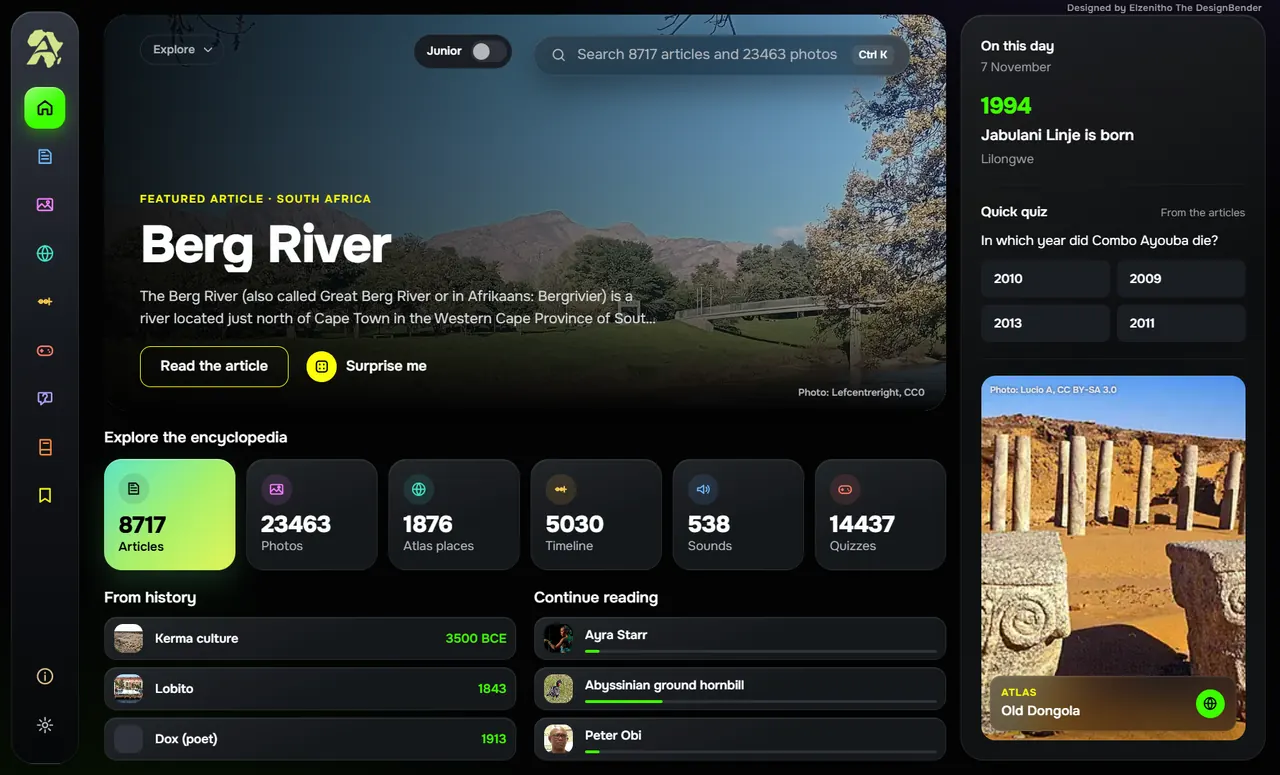
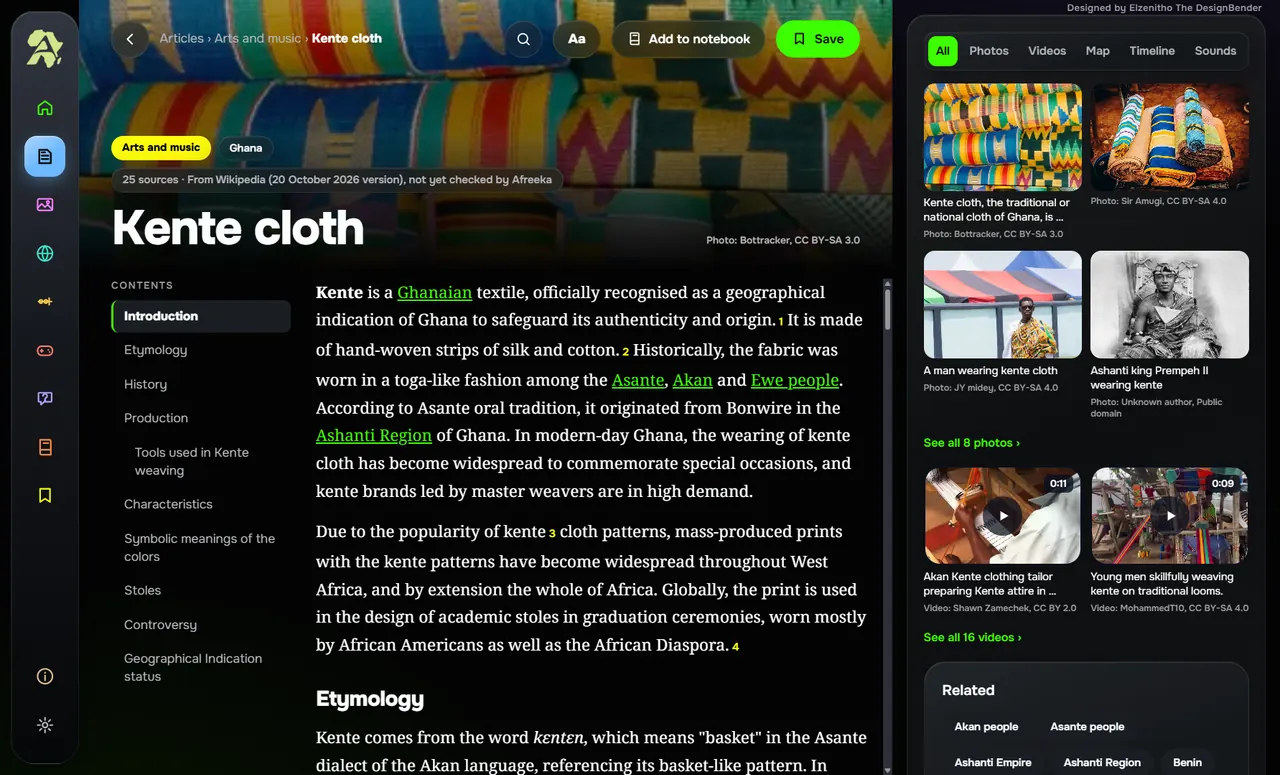
People, places, kingdoms, wildlife, music, food and art. Search it, browse it, or just wander.
Afreeka is built for homes and classrooms where data is expensive or simply not there.
Read
8,717Articles
See
23,463Photos
Explore
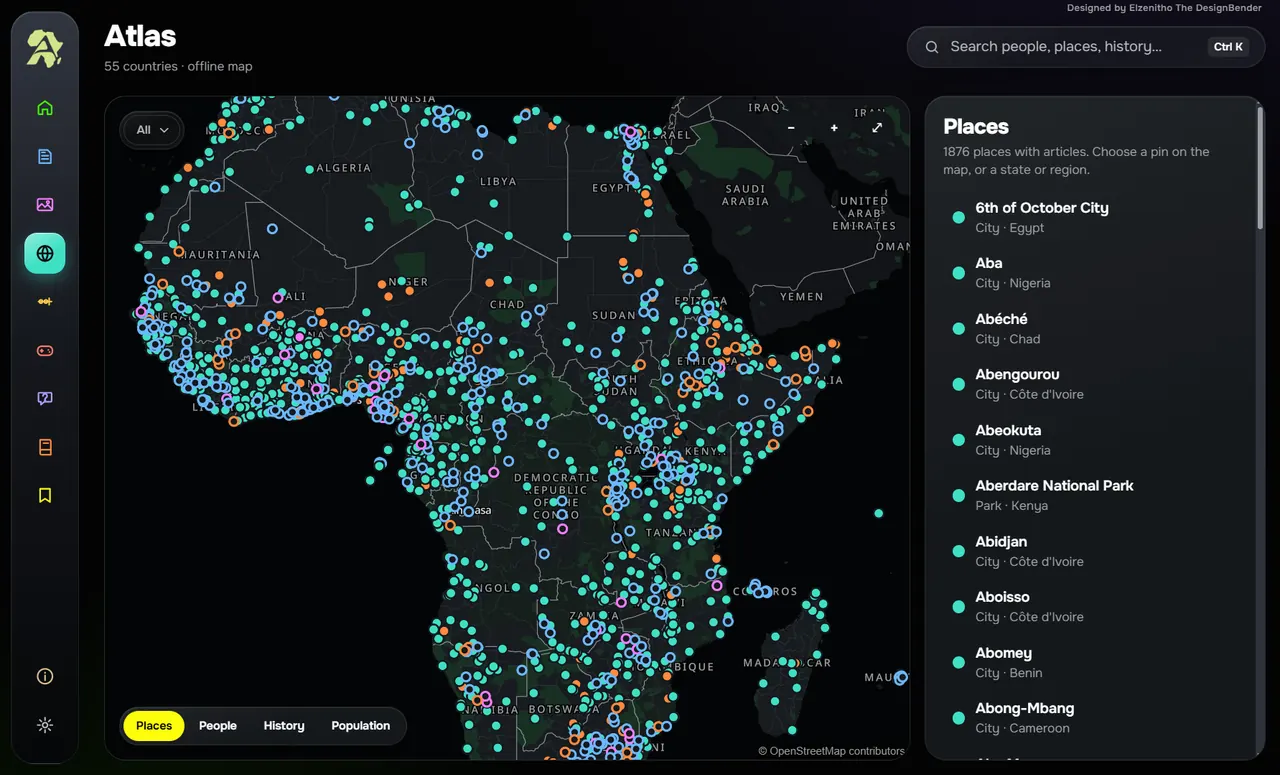
1,876Places on the atlas
Follow
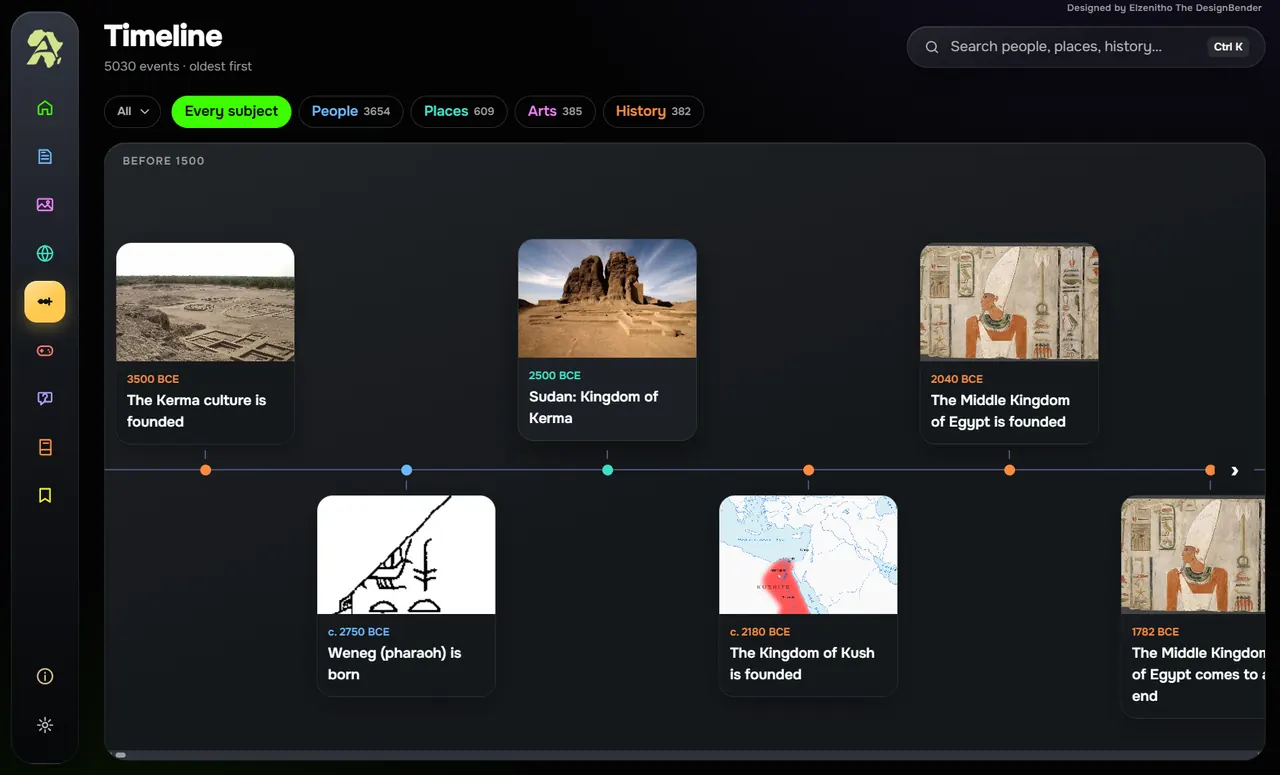
5,030Timeline events
Listen
591Sounds and videos
Play
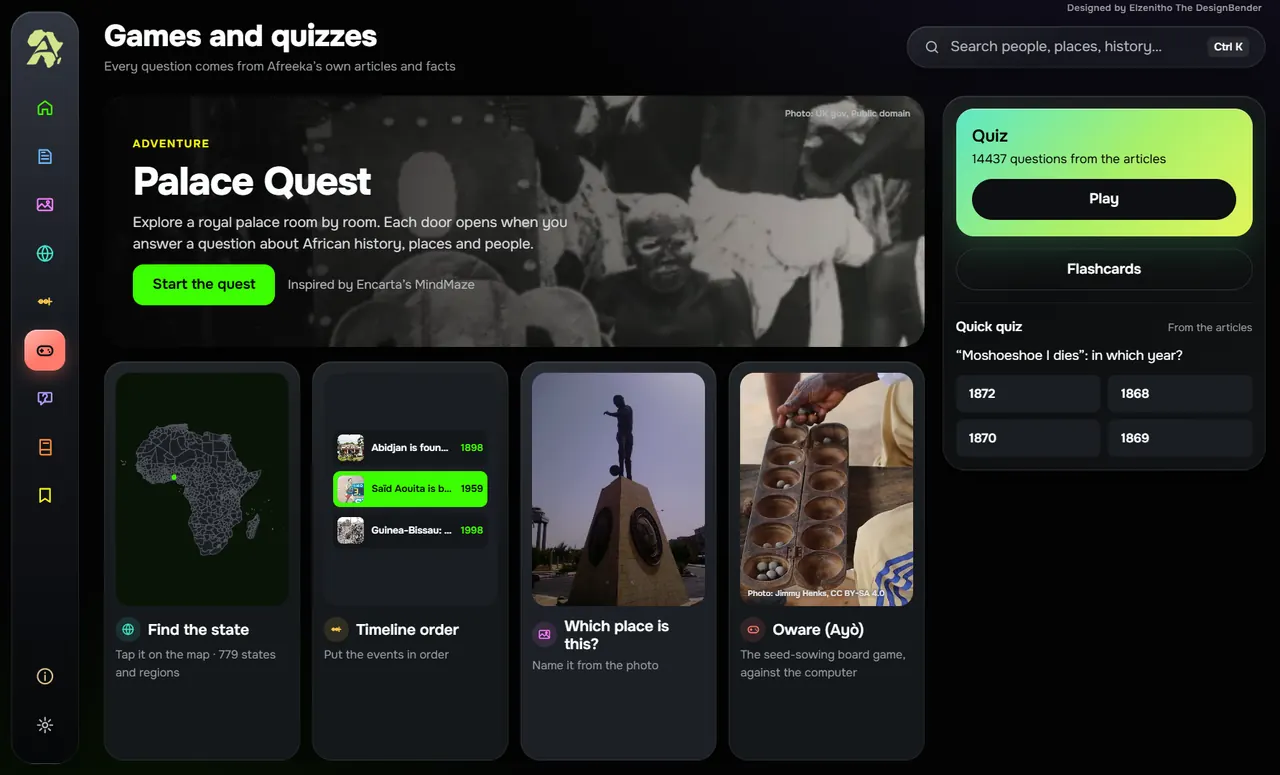
14,437Quiz questions
No data. No problem.
Everything sits on your computer: the articles, the maps, the videos, even the games. Once it is installed, you can read and explore with no connection at all.
Inside Afreeka
A home for curiosity. Follow one question and end up somewhere you never planned to go.
Get Afreeka
Afreeka is free. Tell us who you are and the download will appear right here.
- Works onWindows 10 or 11 (64-bit)
- DownloadAbout 3 GB
- Free space neededAbout 6 GB
- InternetOnly to download it
- MacComing later
Thank you. Afreeka is ready.
Follow these steps once it has downloaded.
- Google will say the file is too big to scan. Choose Download anyway.
- Right-click the zip file and choose Extract All. The setup will not work from inside the zip.
- Open the extracted folder and double-click Afreeka-Setup.exe.
- If Windows says it protected your PC, choose More info, then Run anyway.